AI systems for coaches & coaching companies

Save time.
Help your clients get better results.

We build and run AI systems for your coaching business.
Your notes, session prep and client admin, handled.

Watch the founder explain 3:27

An example of your custom dashboard.

Open a client record, edit a newsletter or try the assistant. Each room shows a different part of the work we handle.

An example of the systems we build and run for you. Your setup follows your business.

Explore the working rooms.LOCAL DEMO · SAMPLE DATA
BrightwoodAssistant
COACHING FLOWS
Your AI assistantDEMO

Where should we start?

Ask for one of the sample tasks below.
See the work in its own room.

Prepared sample responses. No live AI or client data.
Brightwood builds and runs the real system for your coaching business.

Less admin. More time.

Get session notes and follow-up drafts without writing everything from scratch.

Room for more clients.

Add clients without adding the same manual work every time.

Better results for your clients.

Walk into sessions prepared. Keep commitments visible and give clients useful resources between calls.

Watch the overview · 3:27

See what we
build and run.

Our founder shows how Brightwood handles the work before and after your coaching sessions.

Explore the five systems
BRIGHTWOOD

The AI Fulfillment Playbook for Coaches

FIVE SYSTEMS. LESS ADMIN.
Free playbook

AI systems for your coaching business.
The free playbook.

Learn how the five systems work and where they can save you time.

Get the free playbookEnter your email to request your copy.Browse all resources
What we build

Five AI systems for your coaching business.

Shaped around your voice, your process and the way you coach.

POST-CALL AI SYSTEM

Post-call AI workflow

Your session notes, next steps and follow-up email, drafted in your voice. You review the work before it reaches your client.

Explore Post-Call Flow
The Post-Call Flow: Interactive exampleSample content

Prepared sample content. No live AI or client data. Changes stay in this example until you reset it or leave the page.

After-call drafts

The recap and next step, ready for your review.

Needs review
Session recapDraft
To
Jordan Blake jordan@example.com
Subject
Your session recap and next step

Hi Jordan,

You gave your team ownership of the Q4 planning decisions today. Before our next session, choose one meeting to hand over. Agree on the outcome, then let the team decide how to get there.

See you next week,
Your coach

PRE-CALL AI WORKFLOW

Pre-call AI workflow

A short brief with the client's goals, recent notes and open commitments. It arrives where you already prepare for sessions.

Explore Pre-Session Prep
Pre-Session Prep: Interactive exampleSample content

Prepared sample content. No live AI or client data. Changes stay in this example until you reset it or leave the page.

Session prep

The goal, open commitment and last conversation in one brief.

Jordan Blake

Leadership coaching · Sample brief

Current goal

Delegate outcomes, not tasks.

You gave your team ownership of the Q4 planning decisions today. Before our next session, choose one meeting to hand over. Agree on the outcome, then let the team decide how to get there.

Open commitment

Hand off the Q4 planning meeting with a clear outcome.

A question to start with

What happened when you gave the team ownership of the decision?

Most loved

Automatic onboarding

The welcome email, agreement and intake follow your onboarding process. Client folders and first-session context are prepared in the same flow.

Explore Onboarding
The Onboarding Machine: Interactive exampleSample content

Prepared sample content. No live AI or client data. Changes stay in this example until you reset it or leave the page.

New client onboarding

One intake starts the setup. You review the next steps.

Intake received
RB

Riley Brooks

New sample client · Leadership coaching

Intake received

Ready

Client folder prepared

To prepare

Welcome note drafted

To prepare

Agreement prepared

To prepare

Session invitation drafted

To prepare

Client profile prepared

To prepare
Sample welcome email

Welcome, Riley.

I'm looking forward to working together. Before our first session, take a few minutes to write down what you want to change. We'll start there.

Your coach

The agreement and invitation are review steps in this demo. No real files or calendar events are created.
Changes stay in this demo.
AI RESOURCE SYSTEM

AI resource system

Match your session notes to your own library. Get a resource recommendation and a draft note that explains why it fits this client.

Explore Resource Recommendations
Resource Recommendations: Interactive exampleSample content

Prepared sample content. No live AI or client data. Changes stay in this example until you reset it or leave the page.

Resource library

A useful next step from the resources you already use.

Sample worksheet

The delegation checklist

Decide what to hand over and agree on a clear outcome.

  1. Choose a decision your team can own.
  2. Write down the outcome and any constraints.
  3. Agree on one check-in. Leave the method to them.

Matched to Jordan Blake

Delegate outcomes, not tasks.

CONNECTED CLIENT RECORDS

A client record that keeps up with the client.

Goals, session history and commitments in one client record. New session information keeps the profile current between calls.

Explore Client Profiles
The client brainInteractive example · Sample content
Client brain model

Click a marker to go inside · drag to turn

Content and business admin

More of the work we can handle.

We also build systems for your content and coaching records. Choose the work that fits your business.

CONTENT SYSTEM

The LinkedIn Post Writer

Choose a testimonial or type an angle. Get a post in your voice and a matching graphic, ready to edit before you queue it.

Explore LinkedIn Post Writer
The LinkedIn Post Writer: Interactive exampleSample content

Prepared sample content. No live AI or client data. Changes stay in this example until you reset it or leave the page.

LinkedIn post editor

Edit the sample draft. Your changes stay in this browser session.

LinkedIn · Sample draftSaved in demo
59 words
Hand over the outcome
Review only. Nothing is published.
COACHING HOURS ADMIN

The ICF Hours Log

Enter the client, hours and date in one row. The entry goes into your existing spreadsheet, with your totals and formulas intact.

Explore ICF Hours Log
The ICF Hours Log: Interactive exampleSample content

Prepared sample content. No live AI or client data. Changes stay in this example until you reset it or leave the page.

ICF hours

Log a session. The totals below come from the entries you add.

Sample log · September 23, 2026
0Total coaching hours
0Paid
0Pro bono

Log hours

Manual sample entry

Recent entries

ClientSession datePaidPro bonoRemove entry

The sample log starts at zero. Add an entry to see the totals change.

Demo hours only. This log does not verify credential eligibility or submit anything to the ICF.

CONTENT SYSTEM

The Newsletter Machine

Start with an idea or an angle from your own material. The system drafts the new sections and saves the issue in your CRM template library for you to schedule.

Explore Newsletter Machine
The Newsletter Machine: Interactive exampleSample content

Prepared sample content. No live AI or client data. Changes stay in this example until you reset it or leave the page.

Newsletter editor

Change the draft, move a section and check the email preview.

September issue · Sample draftSaved in demo
70 words1 min read
No email is sent.
Section order
CONTENT SYSTEM

Testimonial Capture

The system flags praise in session transcripts and drafts wording you can review. Keep the original context, then choose whether to request permission to use it.

Explore Testimonial Capture
Testimonial Capture: Interactive exampleSample content

Prepared sample content. No live AI or client data. Changes stay in this example until you reset it or leave the page.

Testimonial maker

Capture a passage, review its wording and record permission.

Local sample, not client proof
Capture from a call

Review the words first.

This example uses neutral text. Try the review steps or enter your own sample.

New from your calls

Sample workflow
Capture the neutral example to try the review and permission steps.

Approved library

No approved entries

A passage appears here after review and sample permission.

Explore all systems
Hear from Melissa

Her experience
with Brightwood.

20 hours / week

Time saved, reported by Melissa Eisenbrandt.

"It's magical. It took me like 5 seconds. Holy moly."
Melissa EisenbrandtRoyal Coaching Colorado · On logging an ICF coaching hour
Read Melissa's story
Built for the way you coach

One coach. A whole team.
A system that fits.

Independent coaches

Less time switching between notes, emails and calendars. More time being present for the people you coach.

Explore your systems

Coaching companies

Consistent delivery, connected client information and a clearer view of the work happening across your team.

Connect your coaching business
A partner in your business

We build it.
We run it. You coach.

You choose the work to hand off. We build the system, review the results with you and keep it running.

See how we work together
  1. Choose the work to hand off

    We look at your week and the tools you already use. Together, we choose the tasks worth automating.

  2. Build it around your workflow

    We connect the tools and build the system. Your notes, templates and voice guide the work.

  3. Review the work together

    You review real outputs with us. We adjust the drafts and the process until they fit your coaching business.

  4. Keep the system running

    We maintain the systems after the build. When your workflow changes, we work through the changes with you.

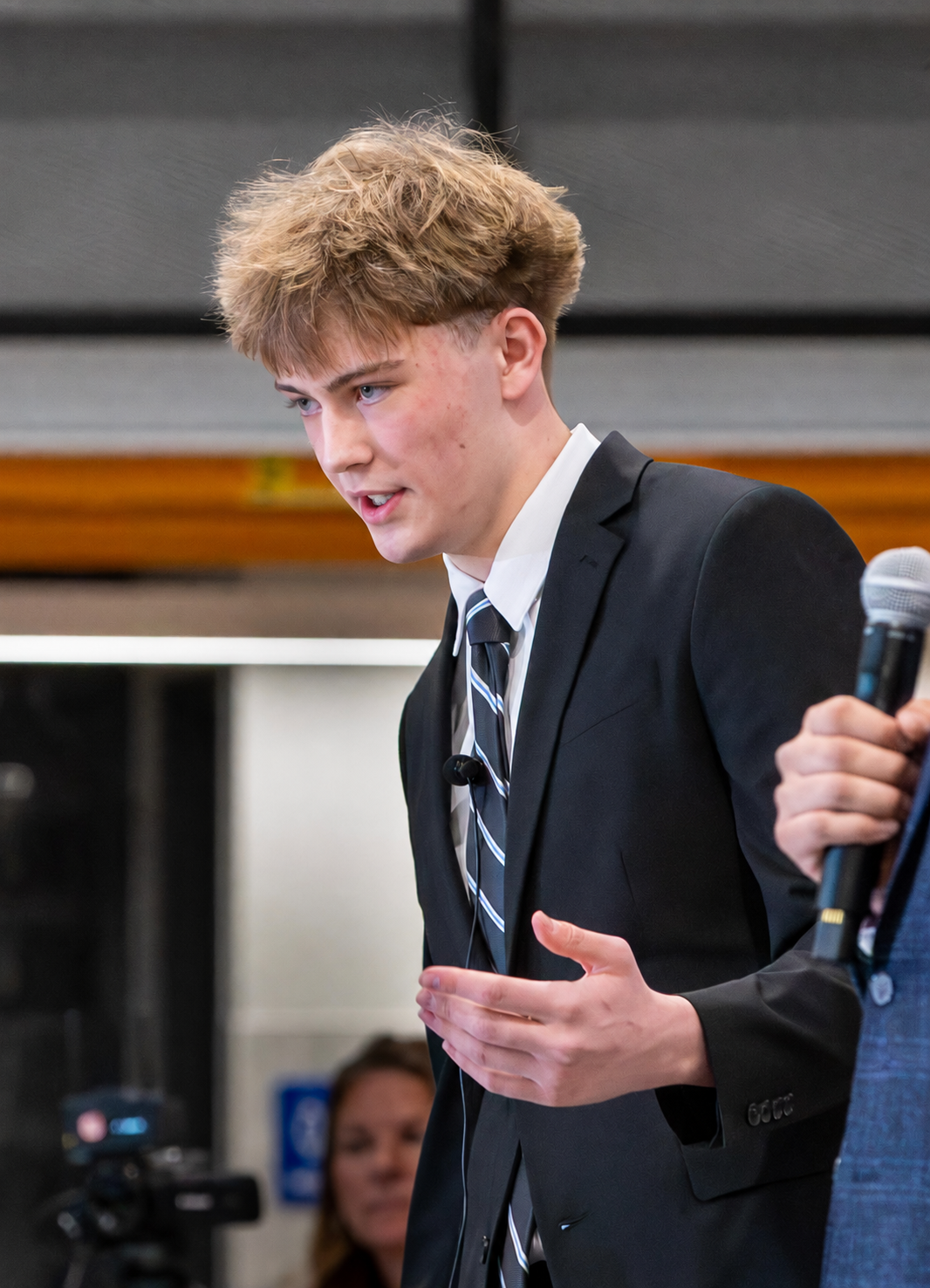
Cruz Johnson, founder of Brightwood
Meet the founder

Cruz
Johnson

Cruz has worked in AI since before it became mainstream. He keeps pace with the changes and tests what coaches can actually use.

Before founding Brightwood AI, he worked inside coaching businesses and helped several grow past seven figures a year.

He kept seeing the same problem. Coaches would reach six figures, then struggle to handle the volume. The work of serving clients became the limit on growth.

He built Brightwood AI to fix that. Today, Cruz builds and runs custom AI systems that handle the admin behind a coaching business. Coaches get more room to grow and more time to work with their clients.

More about Brightwood
Your questions, answered

Good questions. Straight answers.

Watch the founder explain, or read the short answer.

The founder answers

What does Brightwood actually do?

We build and run AI systems around your coaching business. That can include session prep, follow-up drafts, onboarding, resource recommendations and client records. We start with the work that takes the most time in your week.

Have a different question? Ask Cruz

BUILT AROUND YOUR COACHING BUSINESS

More time for the work
you love.

Let's find the work you can take off your plate.

Book a discovery call30 minutes with Cruz. Start with your actual week.